Fix LightSpeed Cache + WooCommerce Caching Issues
If have any issues with LightSpeed Cache incorrectly caching WooCommerce data try this fix.
Go to LightSpeed Cache > Cache > Excludes tab

Under Do Not Cache Cookies, add:
woocommerce_items_in_cart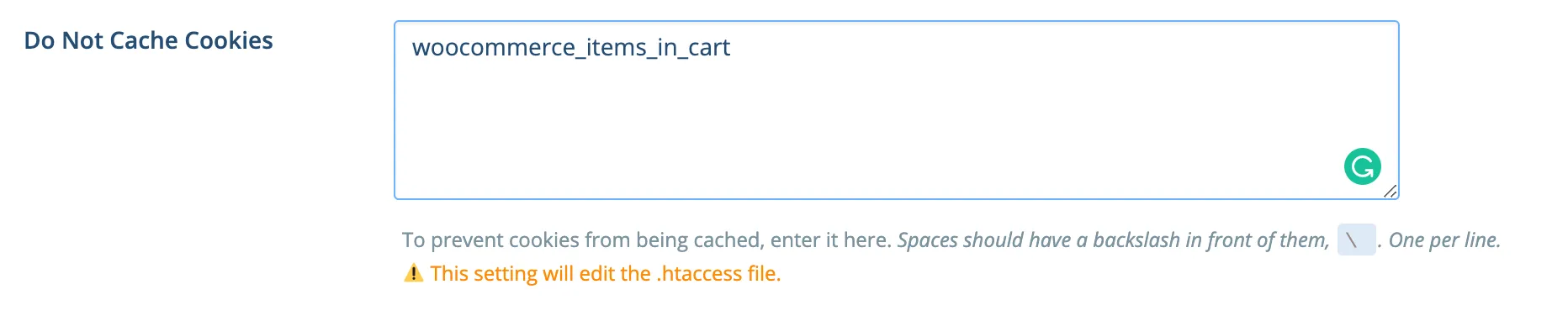
Save this, then clear all caches.
This solved a problem for me where the same product was being added twice, but with different attributes, and LightSpeed cache considered them the same product (making the quantity 2) rather than dealing with them as separate product lines.